
Group your apps.
Declutter your Dock.
iOS-style folders for the Mac. Group apps into beautiful tiles and launch anything in one click.


v1.8.5Open sourcemacOS 26+
Customised tiles with the simple editor.
Give every group of apps a face you'll spot at a glance. Pick a colour, then a custom SF Symbol from Apple's library or any emoji — and fine-tune its size and weight — all in one simple editor.
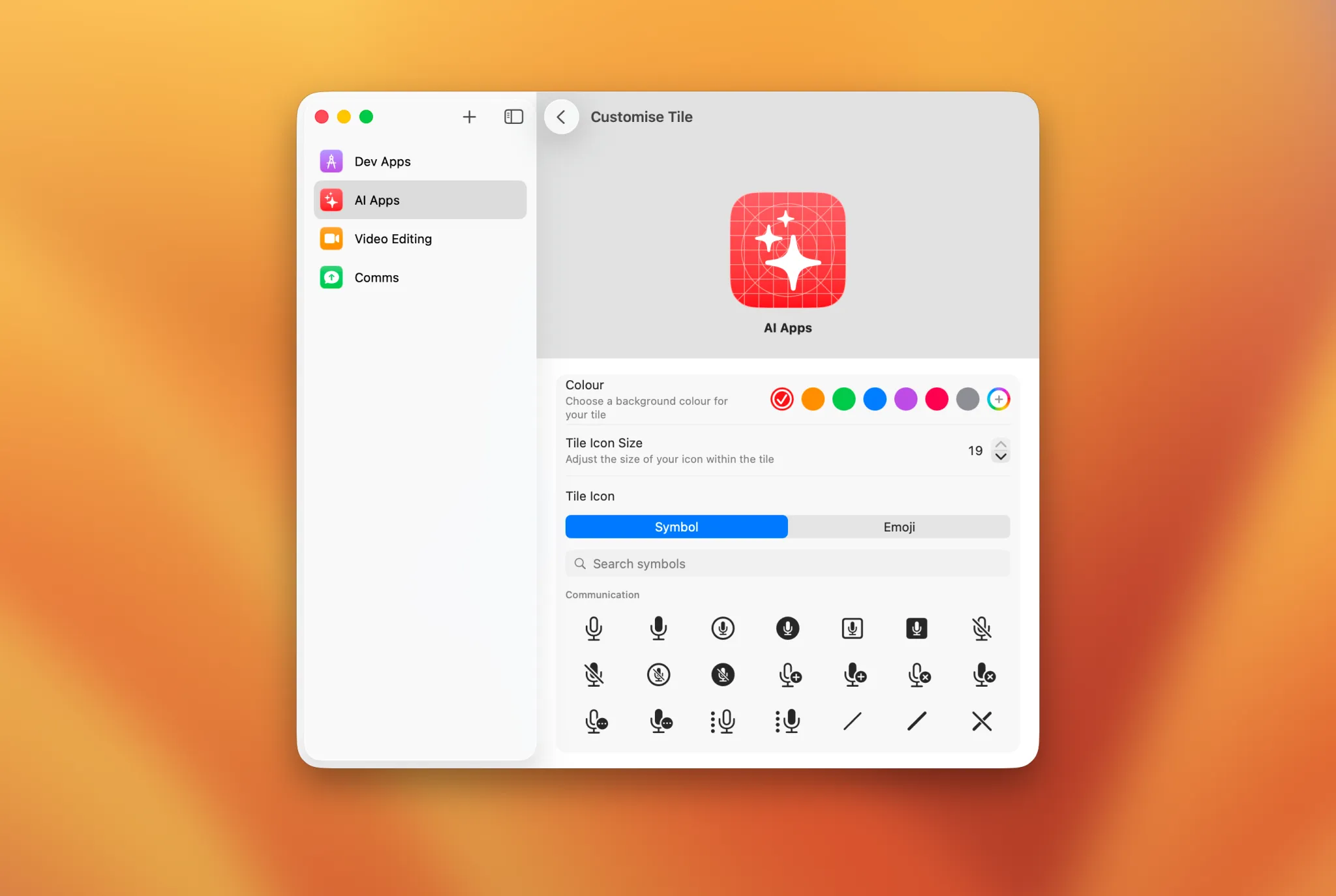
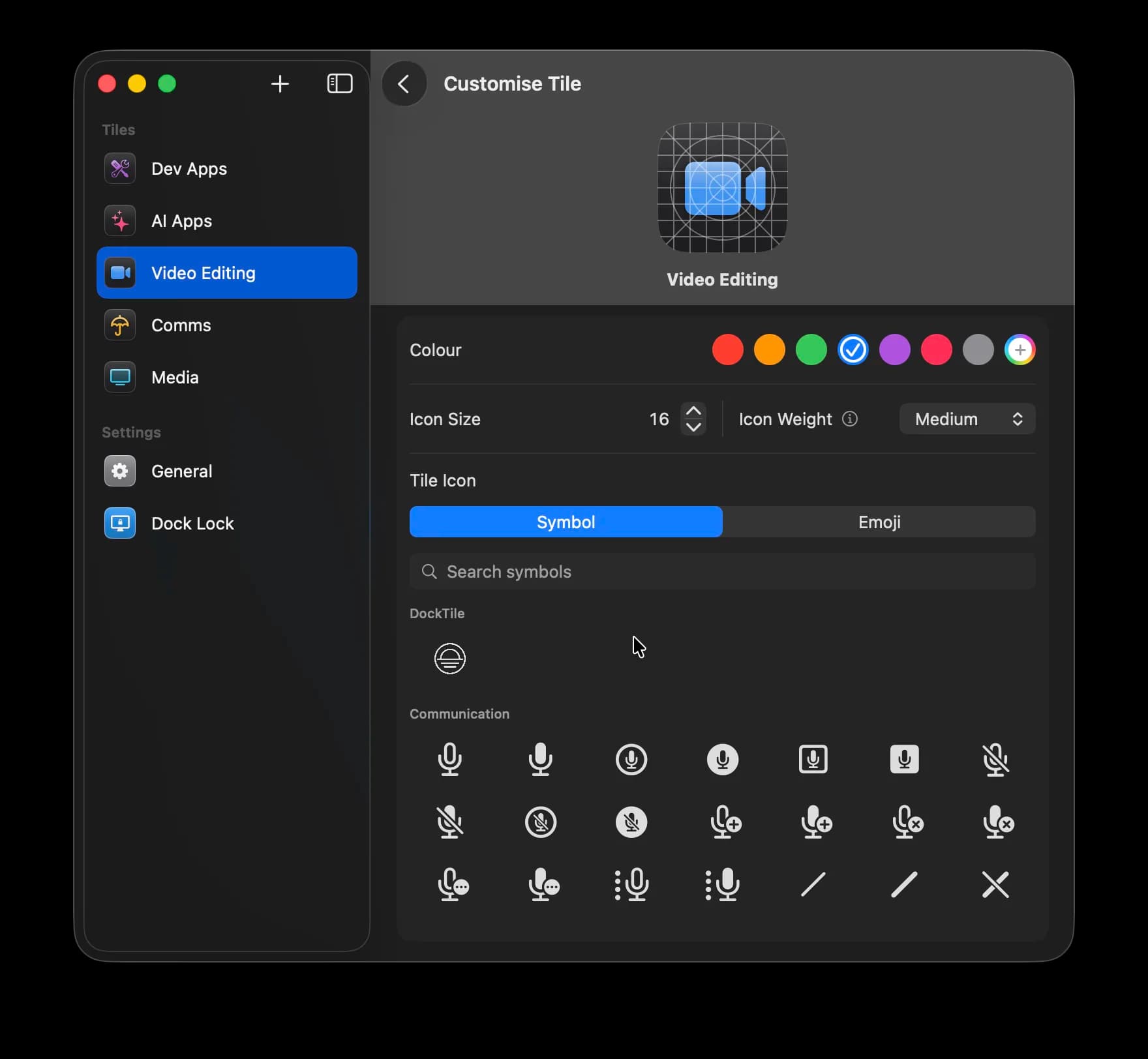
Colour, symbols, emoji, size & weight
The Dock stays put.
Stop the Dock from jumping between screens on multi-display setups. It stays on the display you choose — always.
Built for the power user.
Grid or list. Sized your way.
Each tile opens a native popover — an icon grid like an iOS folder, or a compact list. Tune size, spacing and labels, live.
 Claude
 Code
Code Slack
Slack Music
Music Netflix
 Messages
List
Music Podcasts
 Kayo
KayoTiles that build themselves.
Click +, and Dock Tile groups your recent apps into ready-made tiles to pick from — suggestions come from what you actually use.
AI Apps
6 apps
Chat
4 apps
Learned on your Mac. Never leaves your device.
Ghost mode.
Tiles stay out of Cmd-Tab and the App Switcher by default — in the Dock when you need them, invisible when you don't.

Per-tile control. Surface any tile on demand.
Get organised today.
Have a question or found a bug? Get in touch
 Also available: Spades Audio — per-app volume control